Hi, I have a ensenso camera N35-802-16-BL with firmware 4.81.0006.
My system has uEye sdk version 4.96 installed, I would like to know how to upgrade the camera’s firmware to match uEye sdk version.
Thank you in advance.
The camera’s firmware need not match the uEye SDK version, but the Ensenso SDK version. For the N35-model, the recommended yEye driver is 4.96.1 when you have an SDK version >= 3.2.489. Since your SDK version is 4.1.1033, you already have an optimal configuration, and there is no need for action.
In general, to update a camera’s firmware, you can right-click on a camera in NxView and select “Manual Firmware Update.”
Thank you for the response.
OK, I understand that the Ensenso SDK version has to match the uEye SDK version.
Does the camera’s firmware version has to match anything’s version?
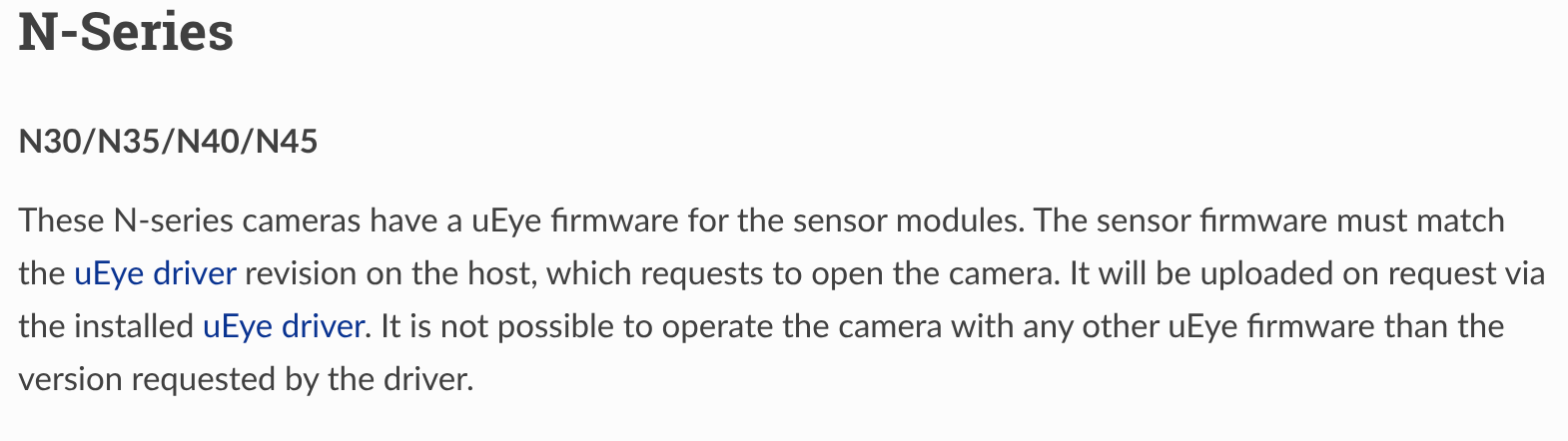
I was confused with the description in the screenshot here. It said “The sensor firmware must match the uEye driver revision on the host“.
The wording in the manual is a bit too precise for how it feels in everyday use.
On a technical level, the sensor firmware must match the uEye driver. In practice, however, you do not have to manage this yourself. The UpdateFirmware command in the Ensenso SDK uses the installed uEye driver to automatically upload a matching firmware to the camera.
So as long as the Ensenso SDK and uEye driver fit together, you are good to go.