General Information
- Product: virtual cameras C57, B57-GN
- Serial Number: n.a.
- Ensenso SDK Version: 4.2.1821
- Operating System: Windows
- Data Attachments?
- Screenshots
Problem / Question
I’ve created a virtual B57-GN and a blue cuboid and wanted to show the colored 3D mesh in the NxView 3D viewer, but the 3D points were only displayed in grey values. For the rendering options I’ve set “Coloring” to “Texture”, but since the camera images also contains only grey values, it’s not surprising, that the points are colored only in grey.
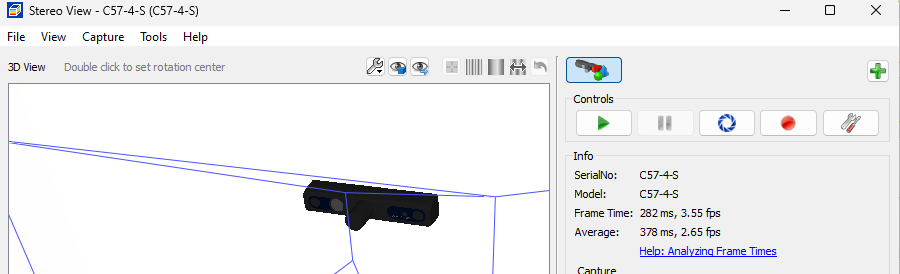
When creating a virtual C57-4-S camera, it’s opened without its color camera. I’ve also tried C57-5M2C-4-S, and C57-4-S-Color, but there was also created only the stereo camera.
- Is there an option to create a virtual C57 including the color camera?
- Will there be a fix to get a colored 3D mesh from the B57-GN model?
Image1: B57–4-GN. Camera images and points are grey instead of colored
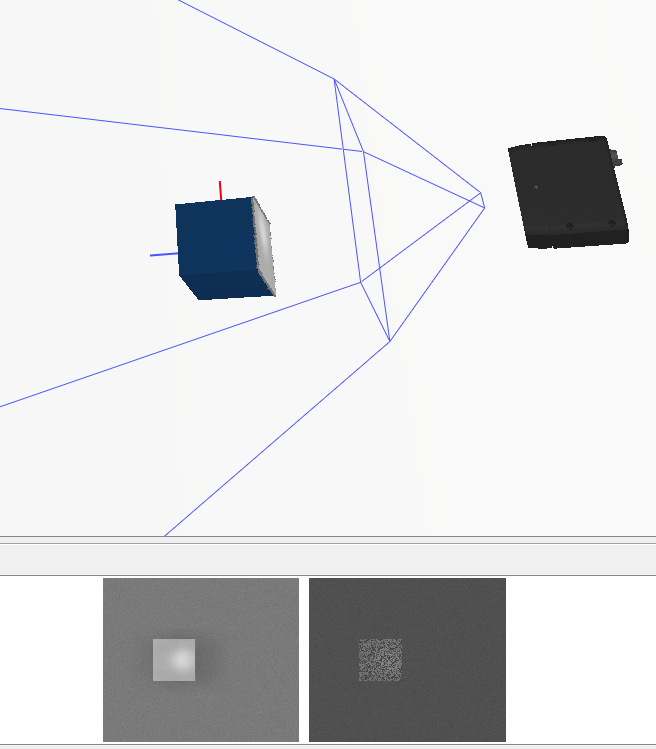
Image 2: Color Camera is missing for C57-4-S