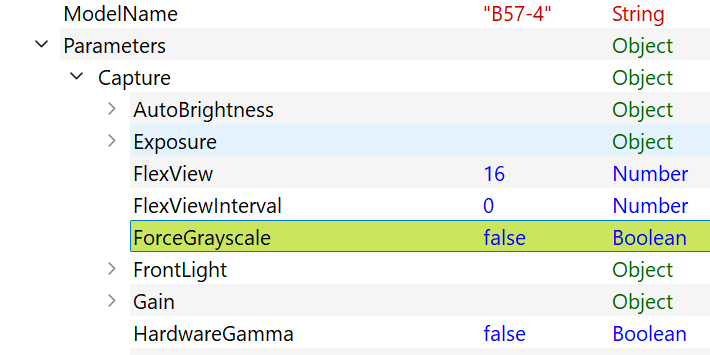
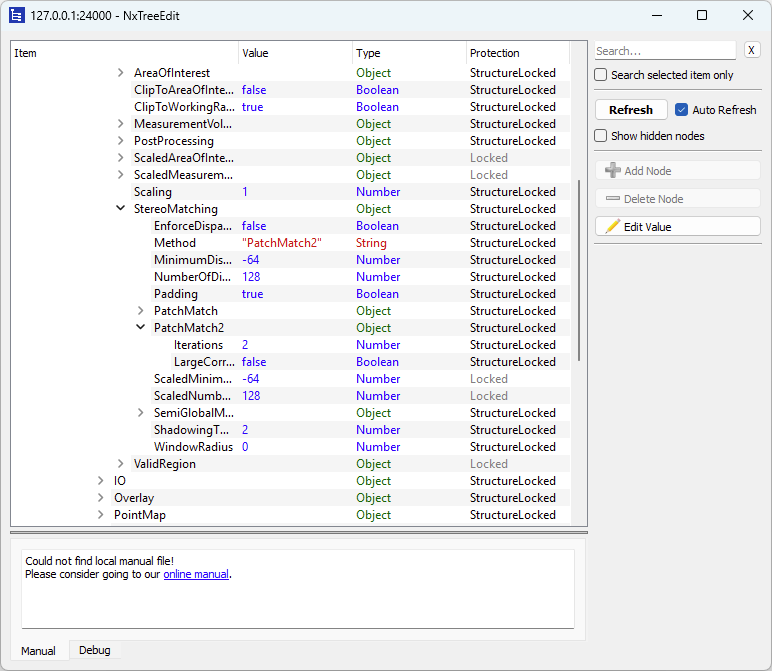
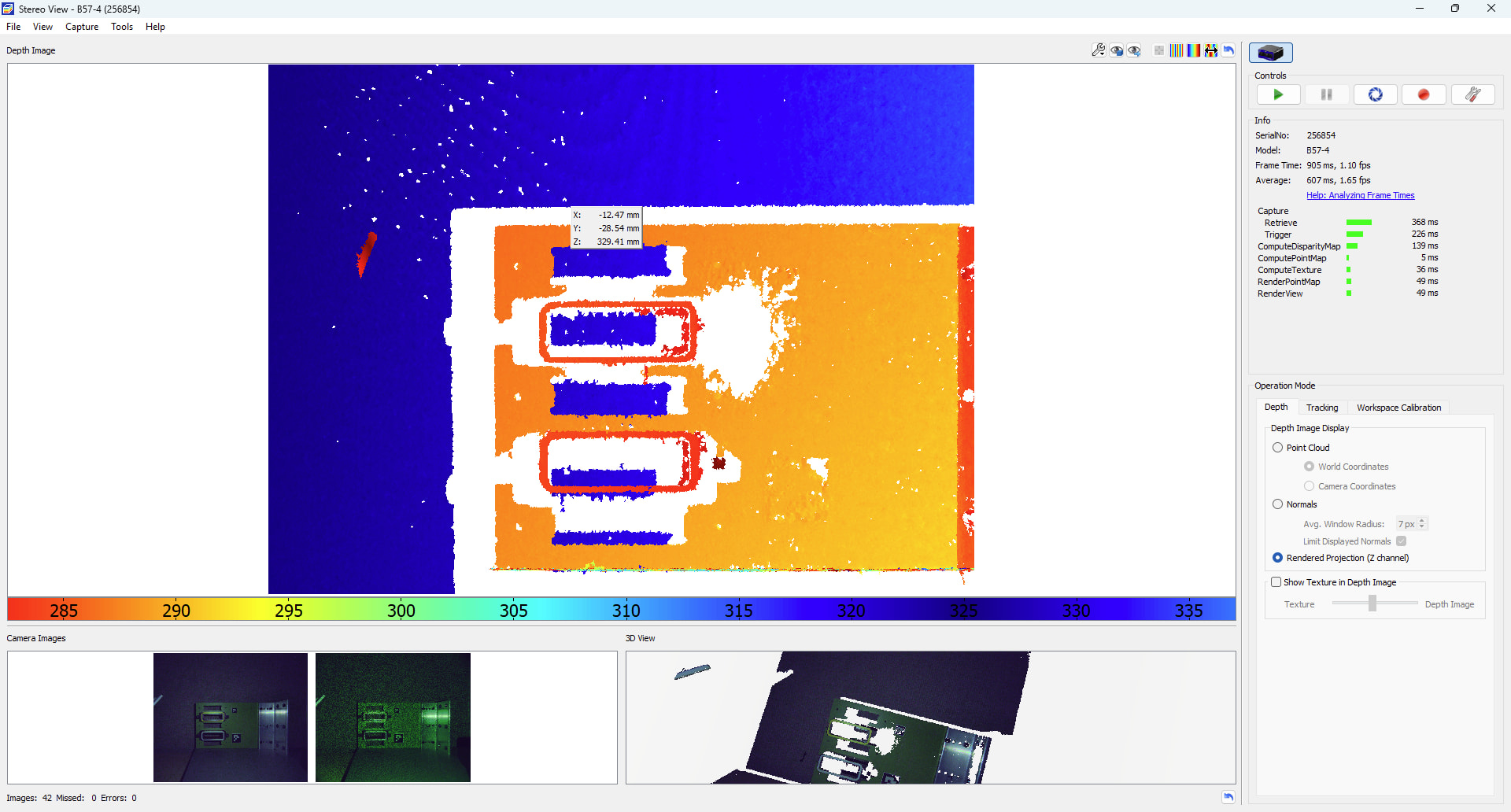
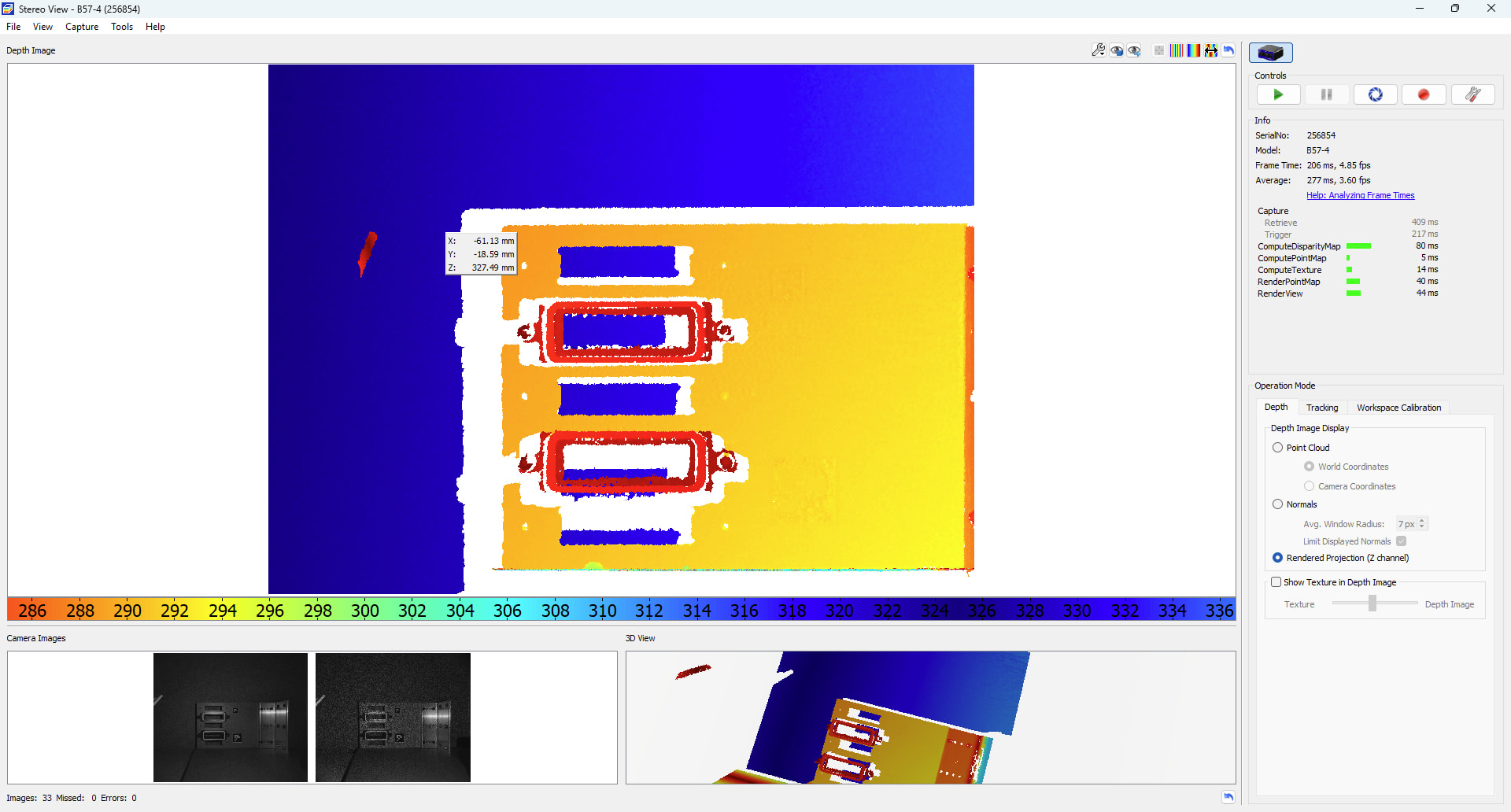
Hello, I’m using an Ensenso B57-4-350, and I’ve noticed that for any pointmaps that are made using the stereo cameras, the first reconstruction is always missing depth data, but if the camera is repeatedly retriggered, the construction improves markedly. When I move the part/camera to a different pose/scene, the pointmap goes back to having several missing depth points after the first capture, which are filled in as I repeatedly capture again. Is this intended behavior, or do I need to adjust my parameters? I have Auto Exposure/Gain/Blacklevel shut off, and I have a timeout setting of 10 seconds. The one slight problem I could forsee is my power supply is only rated for 9 A, while I know that the light calls for a 10 A supply. (I intend on sourcing a more powerful supply in the future)
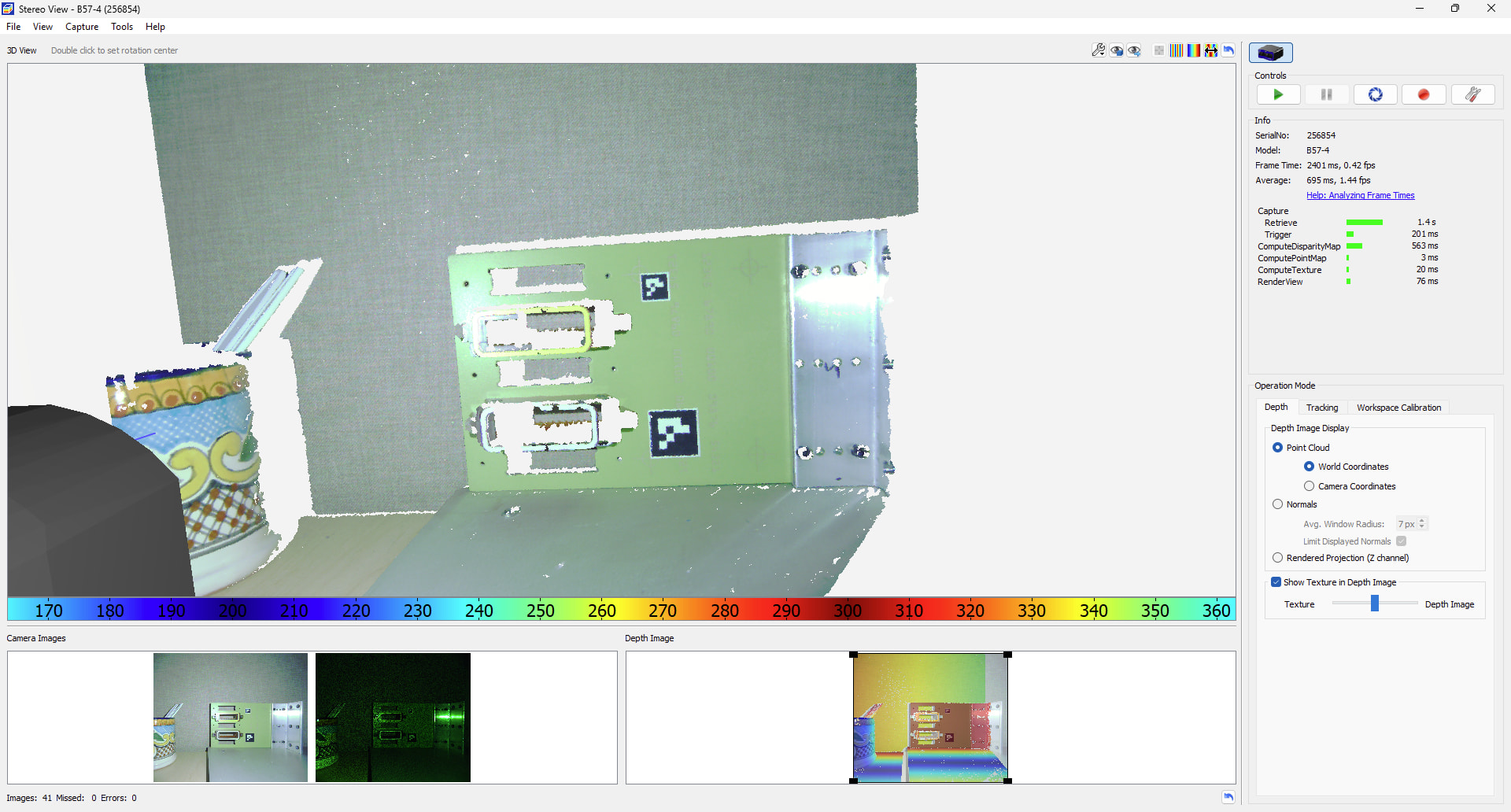
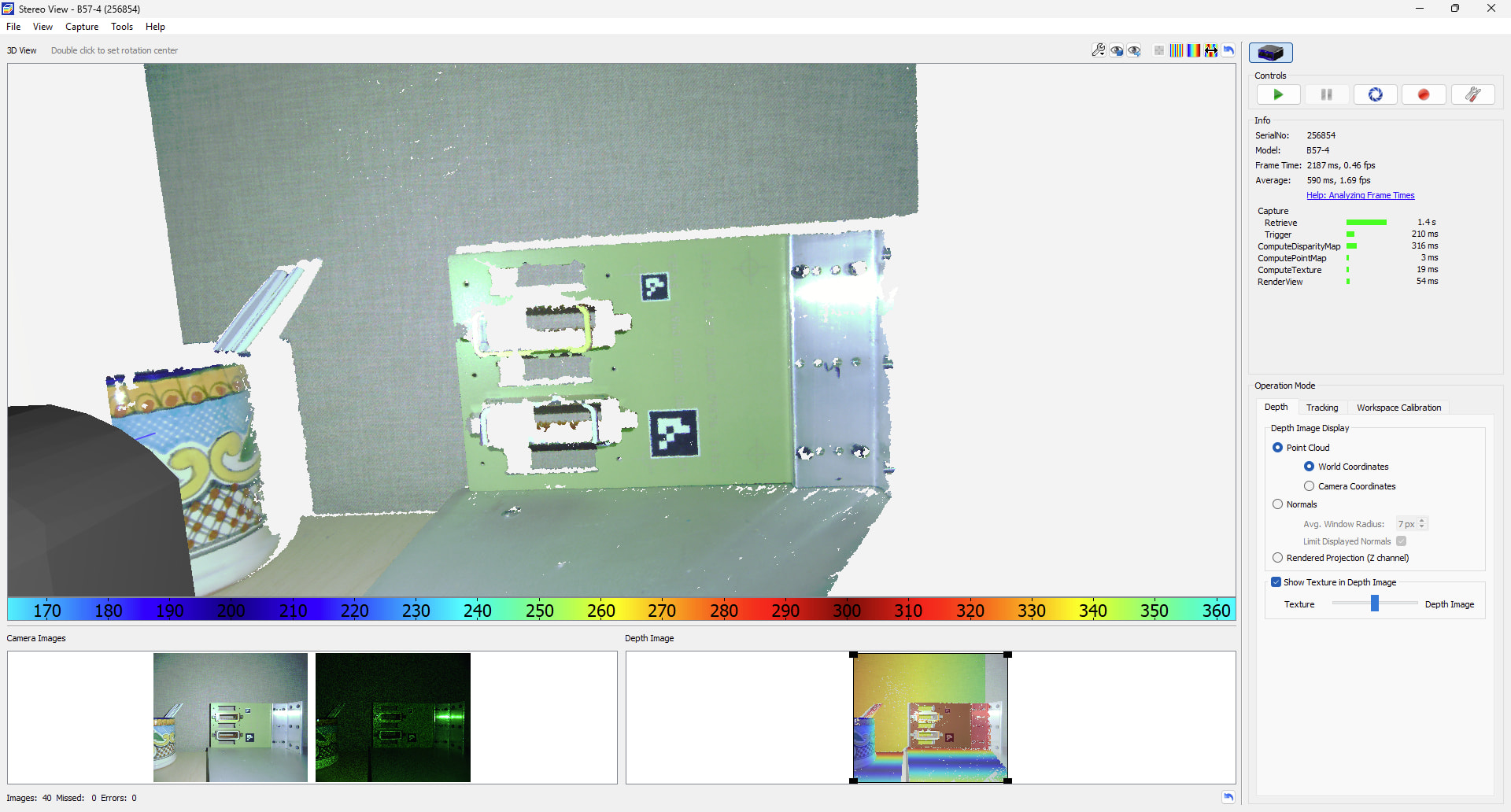
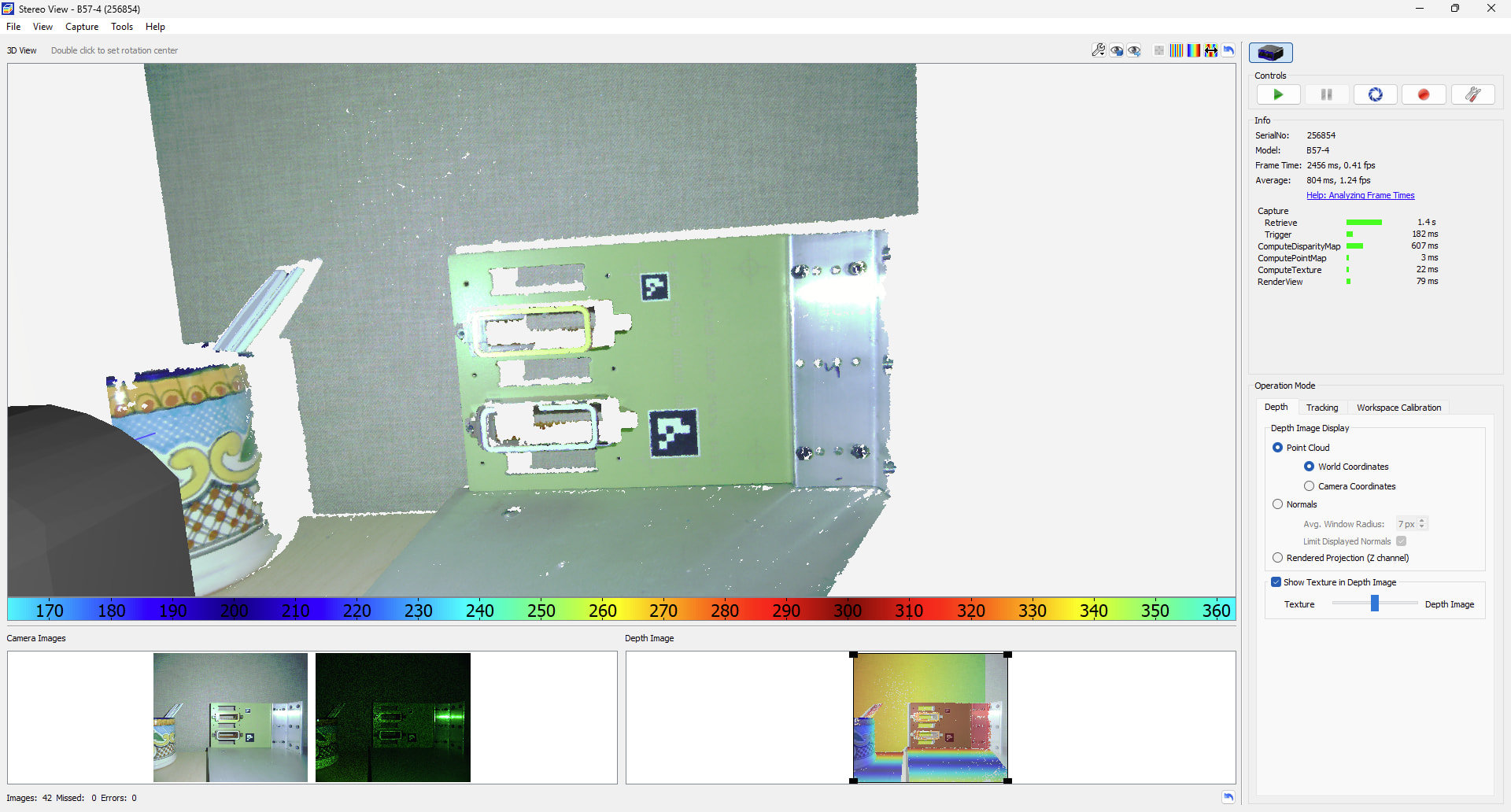
I’ve attached three file cameras; they were taken with a part placed in front in a new pose: I triggered three times from the ensenso engage software, with flexview set to 16 images and saved them in order. You can see how the image quality improves in order of the triggers.
All right, I’ve just observed a related strange behavior; in NXView, after I get the initial bad reconstruction of the depth image, if I switch between World and Camera coordinates for the Point Cloud, it seems to fill in the reconstruction similarly to having additional acquisitions.
Is there the chance that the initial reconstructions aren’t using all of the data in the image buffers?
Thank you for the camera files and the video, they were very helpful.
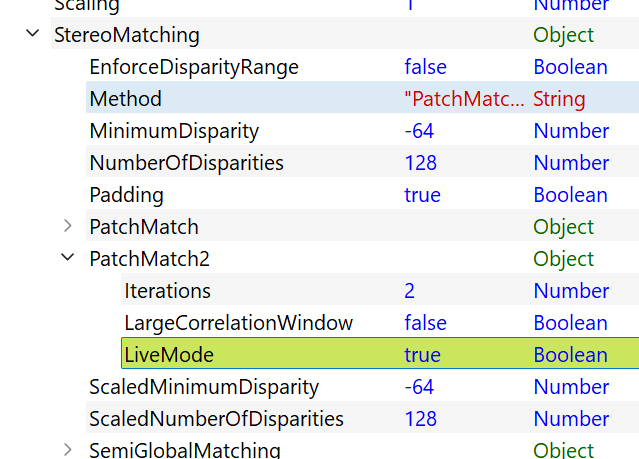
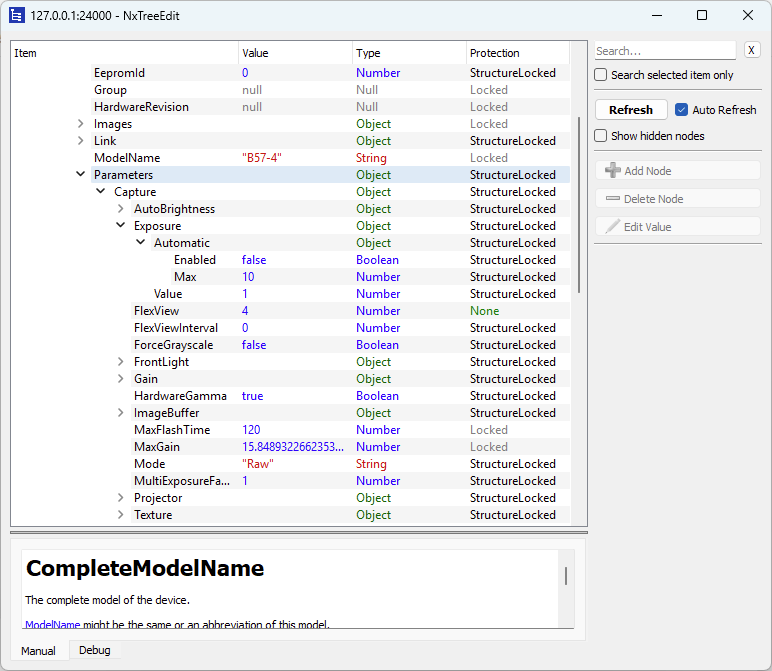
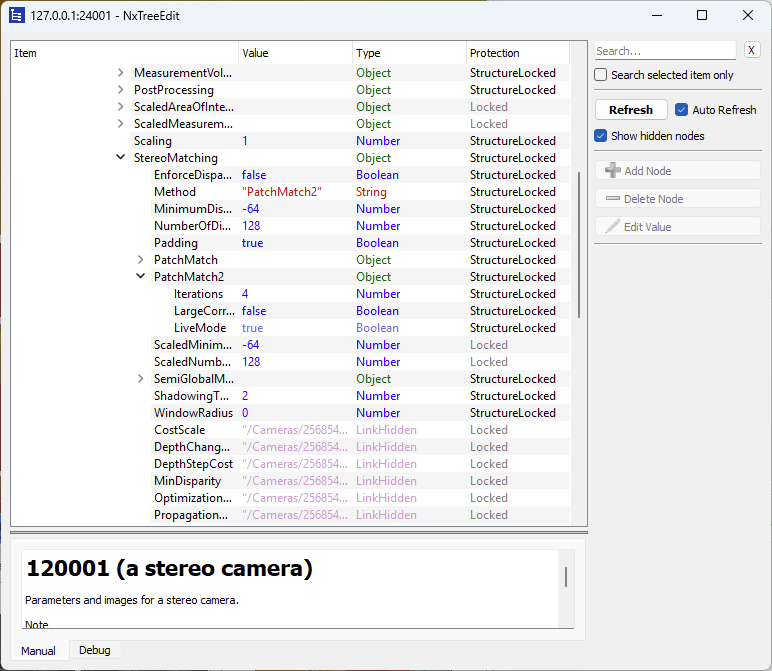
My suspicion is that our PatchMatch optimization is the cause here, specifically the LiveMode setting. Could you try disabling it and let me know whether the results improve? Increasing the number of iterations may help as well.
OKAY, good news, I think you were right; turning LiveMode off not only makes the output much more predictable acquisition to aquisition, but the reconstruction is much better on first trigger:
This was taken after placing the part in a new pose and taking a single trigger with Live mode off and 2 iterations:
I didn’t notice a tremendous difference increasing the iterations count in PatchMatch2, but I’ll test it a little bit more.
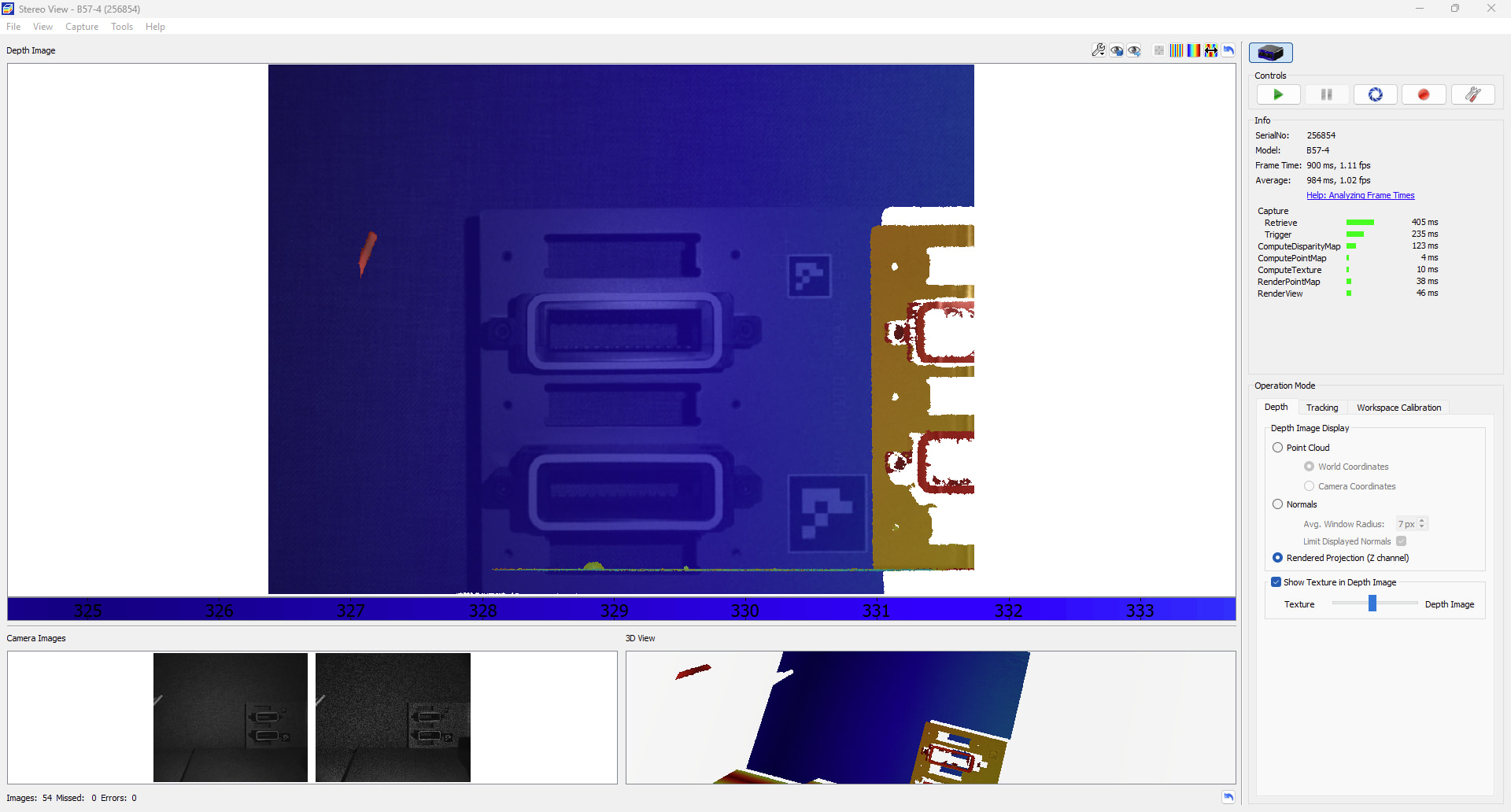
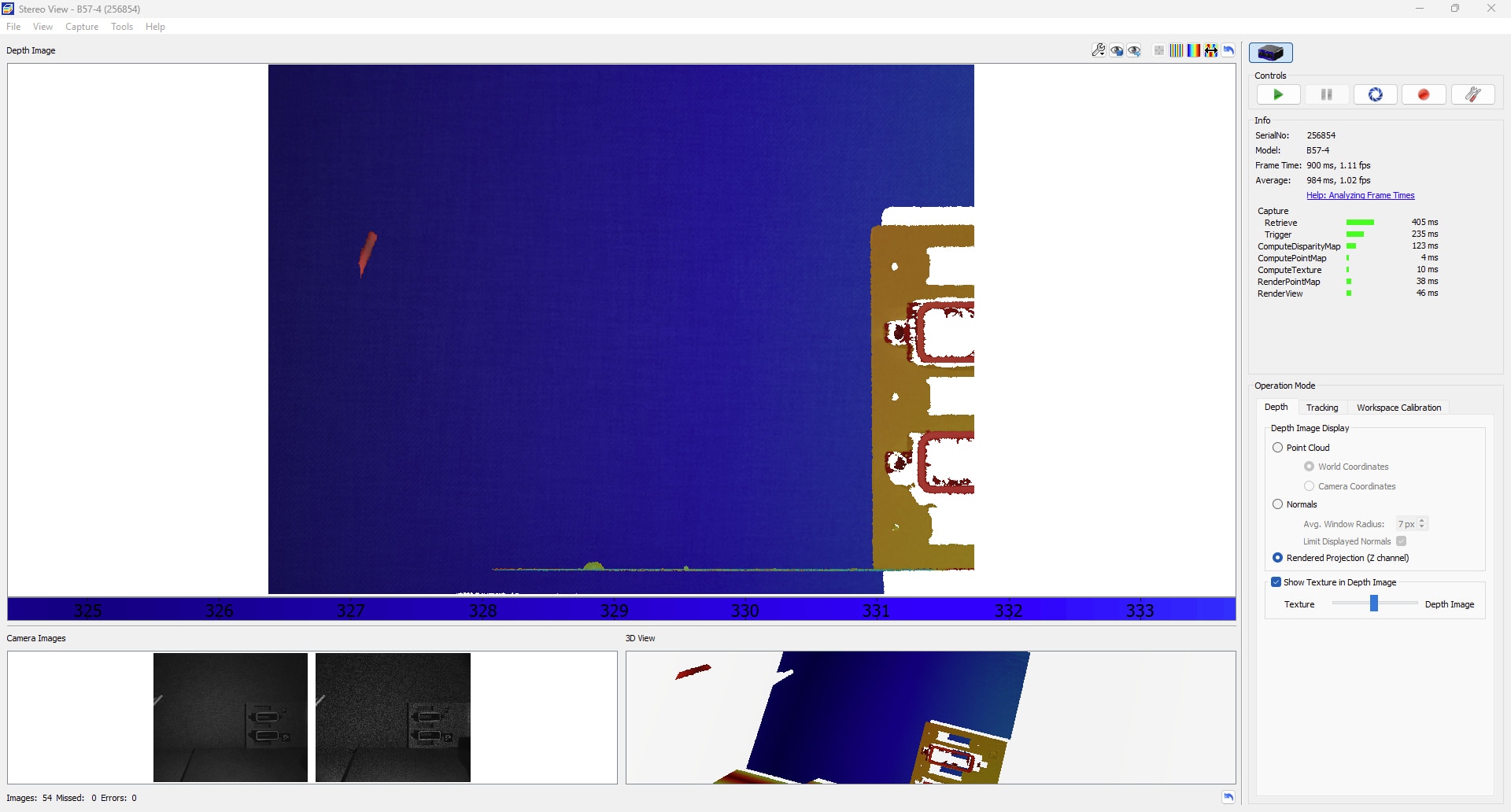
One thing I noticed with Live mode off though is the texture image in NxView now seems to be off a trigger? Here’s the results after I moved the part to the right from the previous picture:
I wasn’t planning on using the texture image for processing, but I might use it for archival purposes, so if this isn’t just a NxView rendering bug, it might be a bigger issue down the road.
Hmm, I can’t reproduce this on my end. From your screenshot, the rendered projection does look stale, but the raw images in the bottom left and the 3D view appear to be in sync. Could you send another file camera from your current setup? Ideally with before and after image sets.
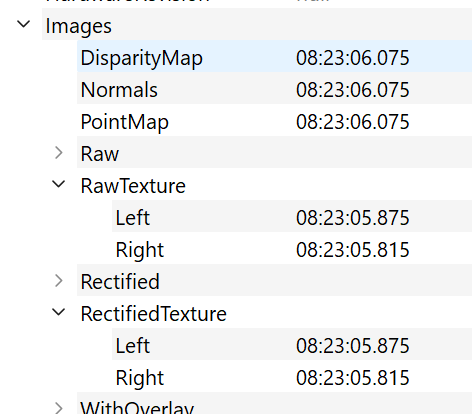
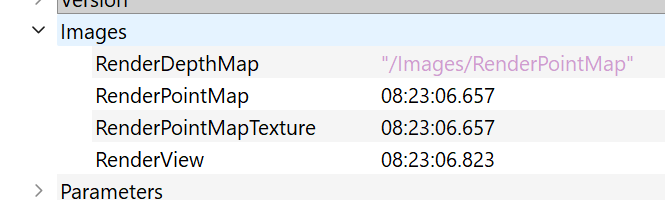
As a quick check, the timestamps in NxTreeEdit will tell you whether the images are actually being updated.
/Cameras/<Serial>/Images
Okay, that’s good to know; I’ll make sure I keep an eye on those values in my developed app. From a quick look over NxView, it looks like this ghosting only happens when looking at the depth image in the Rendered Projection (Z channel) setting; in normal Point Cloud mode it stays current. I’m attaching the file camera.
I’ve tried to reproduce the problem on my end but haven’t been able to trigger it so far. My current suspicion is that displayed RenderPointMapTexture is occasionally out of sync in your NxView instance, that would be a UI issue rather than a problem with the data itself, and it shouldn’t occur when you execute the NxLib commands directly.
To narrow this down further, it would help a lot if you could send us a piece of code where the issue still occurs, or post it here. We’ll keep looking into it in the meantime.