im facing in sdk for both camera im observing fish eye color image and at time of acquisition of image are raw fish eye data. i would like to have recttified color image for both the camera .
Sorry for the confusion, you’re right, the C-Series does not have a Rectified capture mode. According to the json files you provided there are rectified images available in the tree. Can you compare the raw and rectified images in the tree and let me know if they differ or if the rectified images are not actually rectified?
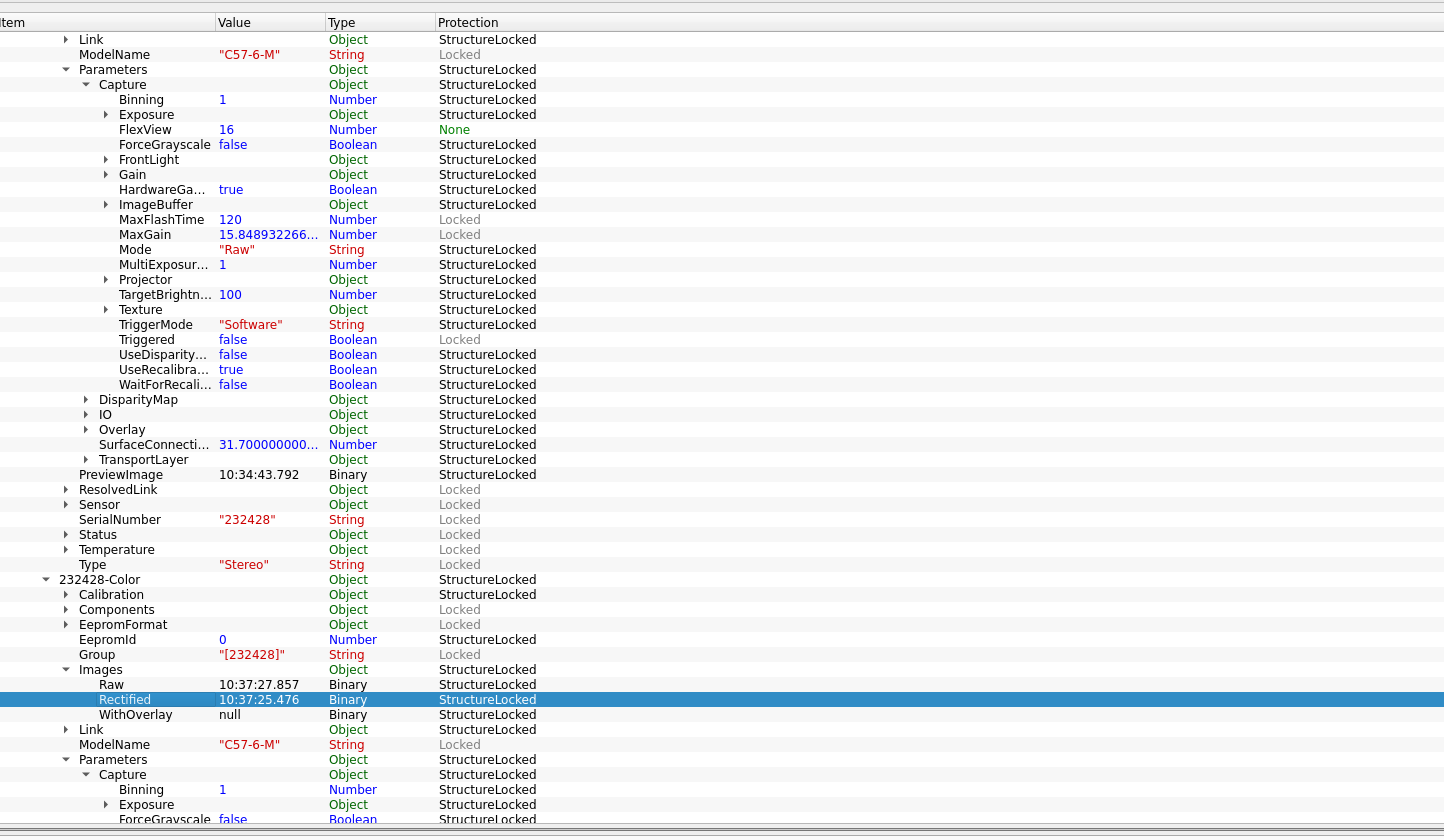
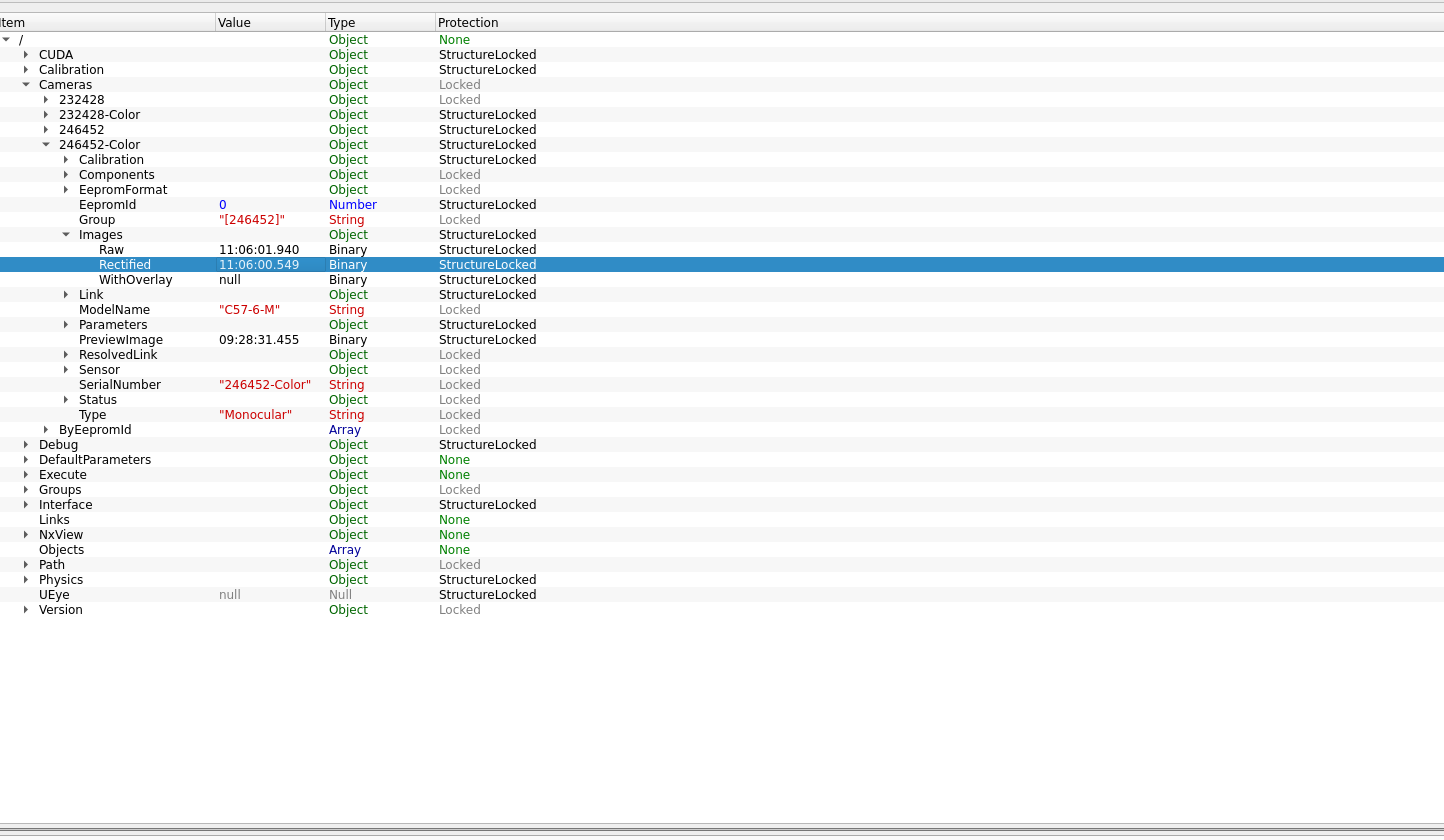
These are the screenshot of tree with color and stereo , iam confused i hope this is the answer if its not please let me know. When i clicked in rectified i showed as a actual rectified image. i would like to get these data and also how can i get good dense colored pointcloud in the sdk and now it is little bit of noisy
The “Camera Images” view in NxView shows the raw image for color cameras. For the stereo camera it show the rectified images. I think this is what you were talking about initially. This is something that you cannot change.
You can save the rectified color image from NxTreeEdit by right-clicking on the timestamp in the value column and selecting “Save binary data as”. You can also use our APIs do get and interact with the data you want.
About the noise: have you already tried tweaking the “Stereo Matching” parameters in the parameters dialog of NxView? There you can play around with e.g. the post processing filters in order to remove unwanted data.
yes iam currently chnaging the parameters for the camera 246452 i saved both raw and rectified . i received raw image in rectified which is fisheye image . Can you help me with this problem
Does this happen on both cameras or only on the 246452? If it happens only on one camera, could try to open the camera with the default settings (uncheck “Load cached Settings”) in the “Select Camera” dialog of NxView.
If the problem still occurs, it would be helpful if you could provide us with a log file. You can do so by opening NxView, click on the tree icon in the left bottom corner of the “Select Camera” dialog which opens NxTreeEdit. There in the bottom pane switch to the “Debug” tab, select log level “Trace” and hit “Start”. Now open the stereo + color camera and capture a few images. Hit “Stop” in NxTreeEdit and save the log file. See this guide on how to record a log file for more details? If the log file is too large to upload here, I can provide you a file sharing link.
camera_246452.enslog (22.8 MB) camera_232428.enslog (16.2 MB)
please see this log for both the cameras. for 246452 camera followed your instruction issue still persists and for 232428 rectified image is available without fisheye . but how do i make that as a default view in sdk
I had a look at you log files but could not see anything suspicious. Additionally, I tried to reproduce the problem, but without any success so far. This might be a bug in NxView or it could still be a issue with your setup.
May I ask what your application you are using our cameras in is looking like. Which API are you using / planning to use? Maybe we can focus on getting the correct data in the application.
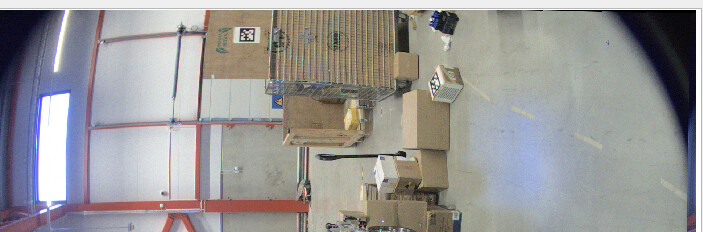
Our application requires dense coloured point cloud for our detection algorithm and one camera gives me distorted rectified image . currently we are using ros2 driver if there any alternatively we can get colored pointcloud and as you see in image this is the view of rgb camera rectified issue and from ros driver for this camera recieved same type of rectified rgb data
It looks like your problematic camera is part of a batch of cameras that have been shipped with a broken color camera calibration. Do you have an Ensenso calibration pattern that we could use to recalibrate the system on‑site? Otherwise you would have to send the camera back to us for a recalibration.
We actually have an in-field fix for the corrupted calibration. Select the camera (both stereo and color) in the “Select Camera” dialog and click on “Calibrate”. In the next dialog select the color camera and click okay.
Step 1/2 - Color Camera Intrinsics:
Click on “Import Calibration” and then “Patterns - Download factory pattern positions”. Click on “Next Step”. The color camera calibration is now stored on the camera. Now we just have to calibrate the link between the color and stereo camera. Click on “Next Step” again.
Step 2/2 - Link Calibration:
Click on “Import Calibration” and then again on “Patterns”. After the calibration has been calculated and stored, click “Next Step” one last time to finish.
After this exercise Im able to see the rectified as rectified image . Thank you . This might be another question , should i calibrate my other camera with serial number-232428. Alternatively i have written API to capture coloured pcl from api , But received offset coloured pointcloud colour and textured pointcloud are not aligned can you help me with the c++ api for this
Your camera with serial 232428 has been shipped with the correct factory calibration. So there should be no need to recalibrate it. But you can always download and restore the original calibration in case you need to.
Regarding your second question: could you make a new topic with it? We can then close this one and solve your other problem over there. Please also mention if you are using ROS to capture the data that is not aligned and if so, which ROS version and also which version of our ensenso/ros_driver you are using.