Hi,
you can find more information about measuring the calibration in the manual: Measuring Calibration Accuracy — Guides - Ensenso SDK 4.2.1821 Documentation
I suppose the green color means good.
Yes, green means good. The thresholds for it are explained in the guide linked above.
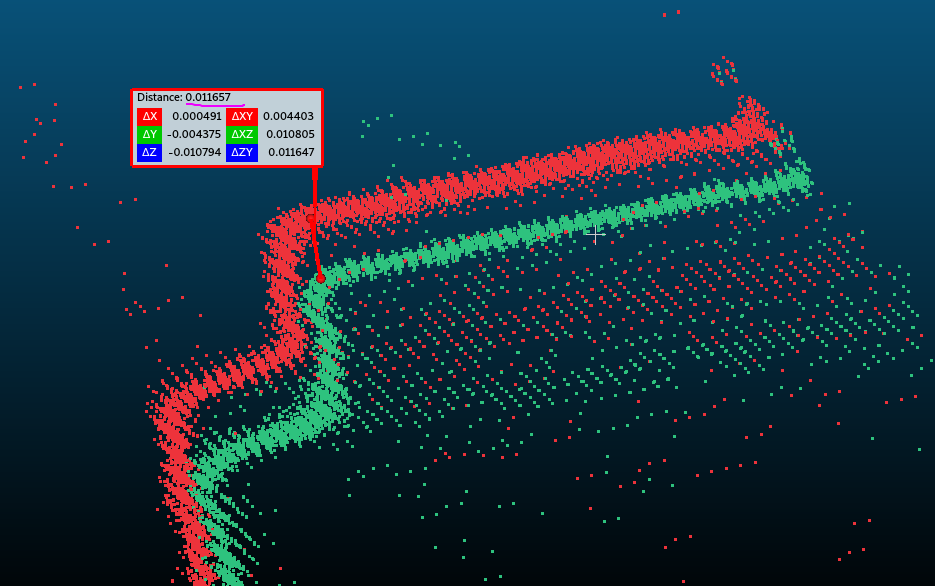
But when I compared the current pointcloud with the one from 6 month ago, I can see the 10 mm offset at 2.3m away from the camera.
How exactly did you measure this? The error does not show in the measurement of the intrinsic geometry in your screenshot, which looks ok.
Note that you only measured the intrinsic calibration of the stereo camera. Did you calibrate the position of the camera and did you try to measure that as well. If not, is it possible that the whole camera has moved relative to the scene?
Also, I can see a few pixel drift from right camera between 6 month ago and now, which suggests stereo rig is loose.
It is very unlikely that something within the stereo camera assembly is loose and you cannot observe this by measuring the intrinsic calibration as you did in your screenshot. The intrinsic calibration is very sensitive and any moving parts of the camera invalidate it very quickly. This would produce a measurable error in one of the error metrics in your screenshot. I think it is more likely that something outside of the camera has moved.
Note that the position of the pixels in the rectified (not raw) images is not fixed in general. They can move due to a dynamic recalibration without affecting the position of the resulting 3D data. As explained above, I don’t think this is the problem in your case, though.
Also, how far I should put calibration board? I imagine if I put calibration board closer, the error will be decreased.
This depends. Putting the calibration target closer to the camera does decrease the absolute errors (at least the ones in mm). The coloring in NxView takes this into account by comparing the error to the view field at the distance of the target.
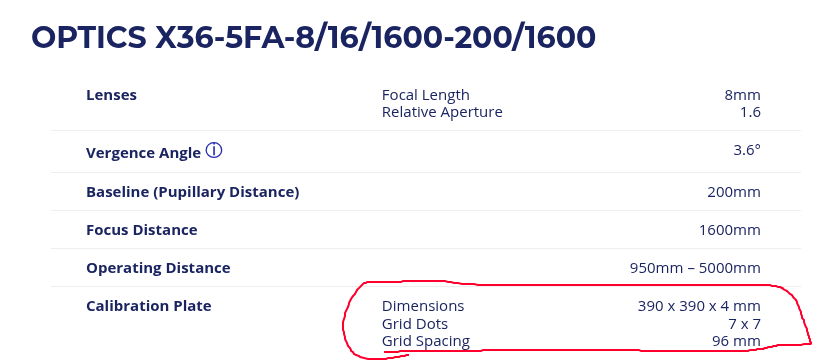
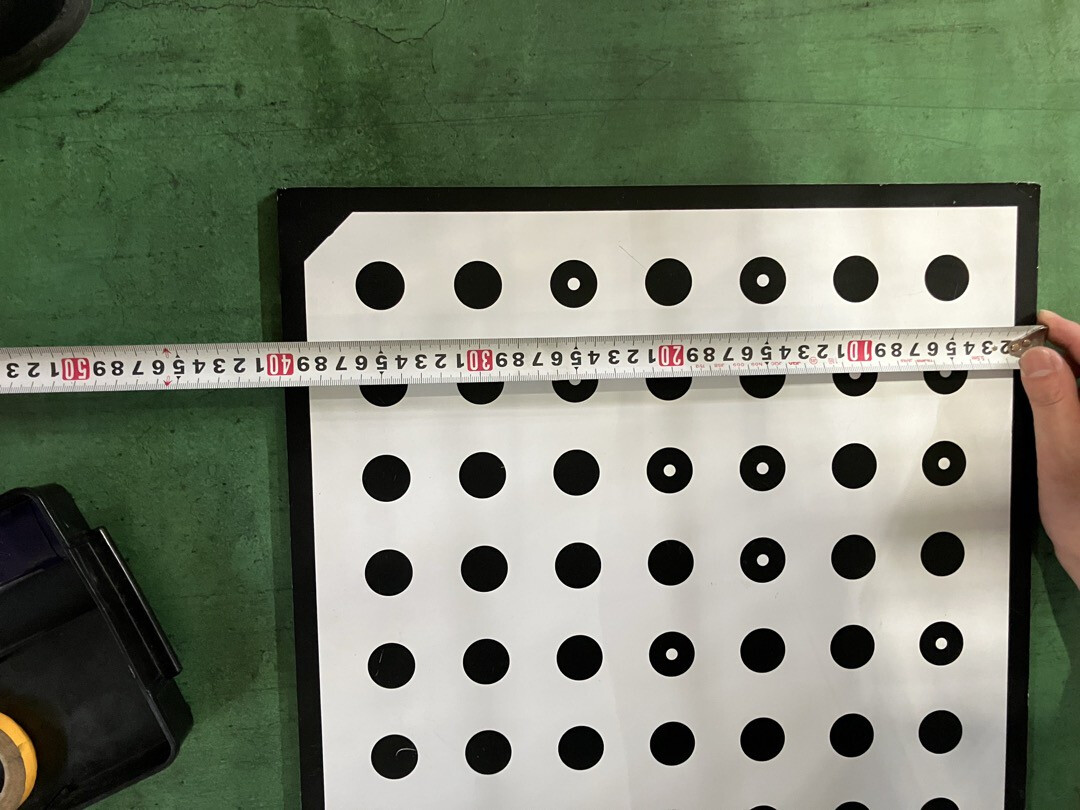
But when the camera has a large view field (like yours) it can help with the accuracy of the calibration target detection. If you have one of the 48mm calibration targets, it probably appears very small at this distance, which can also introduce noise. We recently introduced the 96mm target to help with this.

 but usually the internal lens mechanics: in our standard models we use special lens designs with a static optics group inside. Most of the standard lenses with adjustable focus can be locked with a few screws, but even tightening the fixation screws does not prevent the internal mechanics from changing slightly, and thus decreasing the calibration accuracy.